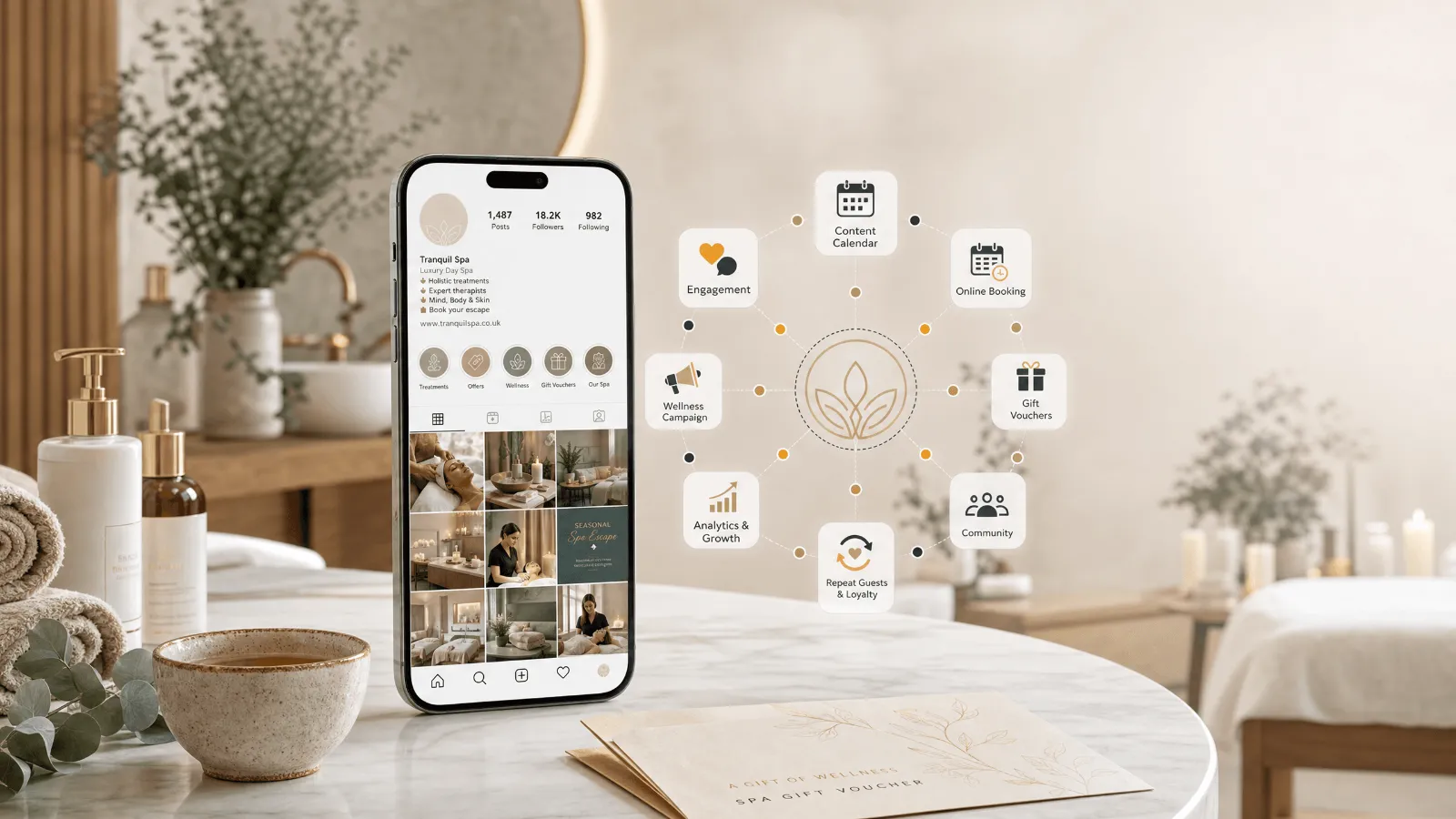
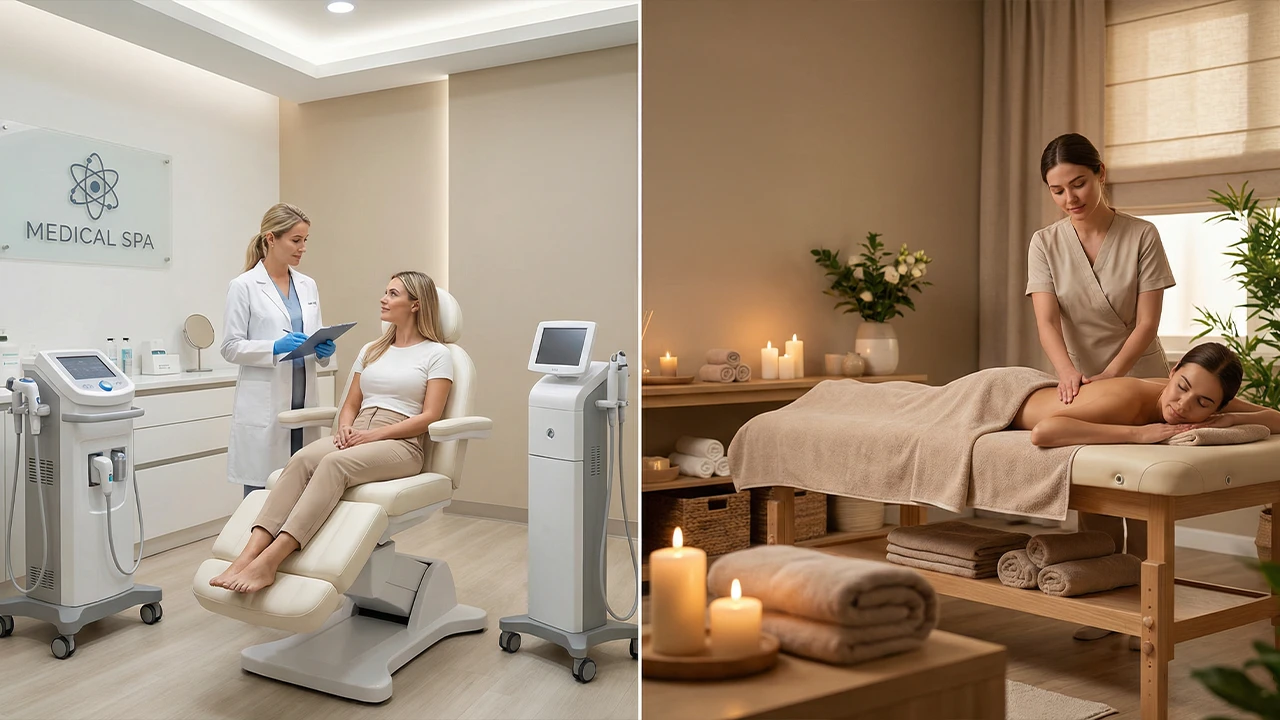
When someone searches “spa day near me”, “facial in Harrogate” or “couples massage Bath”, Google usually shows a map and three spa profiles before any website. For many independent day spas and hotel spas, that profile is the first impression, and often the place the booking starts. We have already covered Business Profiles for hotels and restaurants. Spas have their own questions: how to list a treatment menu, how to get a Book button, whether a hotel spa needs its own profile, and what aesthetic clinics can and cannot say.
Quick answer
Claim and verify your profile, choose “Day spa” or the closest primary category, list every treatment as a service with a price, and connect your booking system so a Book button appears. Add real photos of your rooms and therapists, reply to every review, and keep prices in line with your booking system. If your spa sits inside a hotel and sells to non-residents, check whether it qualifies for its own profile.
1. Why your Business Profile matters for a spa
Spa searches are local and ready to book. People search for a treatment and a town, or “near me”, usually on a phone, and many call or book straight from the profile without opening your website.
It shows what guests judge you on. Treatments, prices, photos of the space, reviews, and opening hours all sit on one screen. It is where comparisons happen. A guest choosing between three spas on the map often decides on photos, rating, and price before visiting any website.AI tools use the same information. Consistent details and genuine reviews also feed AI recommendations, as our GEO for spas guide explains.
2. Before you start: a five-point checklist
- Your real business name, exactly as it appears on your signage. Google’s guidelines do not allow extra keywords or locations in the name.
- One address and phone number, used the same way on your website, booking system, and directories.
- Opening hours, including bank holidays and late evenings.
- Your treatment menu, with prices and durations.
- Admin access to your booking system, so you can check how it connects to Google.
3. Choose the right categories
Your primary category has the biggest effect on which searches you appear in. Choose the one that describes the business as a whole, then add secondary categories for your main treatment types.
| Your spa | Likely primary category | Secondary categories to consider |
| Independent day spa | Day spa | Massage spa, Facial spa |
| Hotel spa open to non-residents | Day spa | Massage spa, Facial spa |
| Massage-led studio | Massage spa | Day spa |
| Aesthetics or skin clinic | Skin care clinic or Medical spa | Facial spa |
Category names vary by country and change over time, so type into the category box and choose from Google’s suggestions. Do not add categories for treatments you rarely offer: it can bring the wrong searches and confuse guests.
4. Hotel spas: one profile or two?
Google allows some departments inside a business, such as a spa inside a hotel, to have their own profile when they serve the public separately. The department needs its own category and its own hours. If your spa sells treatments and day passes to people who are not staying, a separate profile can help it appear in spa searches that the hotel profile will never win.
- Name it as it is branded, for example “The Willow Spa at Riverside Hotel”, but only if that is how the spa appears on signage and your website.
- Give it its own details: hours, a phone number or extension, and a dedicated spa page on your website.
- Use spa categories, not “Hotel”.
- Keep residents-only spas on the hotel profile. List the spa under amenities and in the hotel description instead.
Our Google Business Profile guide for UK hotels covers the hotel side of the set-up.
5. List your treatments as services, with prices
The Services section is your treatment menu on Google. A clear, priced menu answers the first two questions guests have: what you offer and what it costs, before they ring you.
- Group treatments clearly: massages, facials, body treatments, spa days and packages, day passes.
- Use the names guests search for. Put the common name first and your branded name second, such as “Deep tissue massage (60 min), Signature Restore”.
- Add a price or “from” price and a short description: who it suits, how long it takes, and what is included.
- Keep it in line with your website and booking system. A price that differs at checkout is a common source of poor reviews.
- Add spa days and gift experiences as products, each with a photo and a link to the page where they can be booked.
6. Turn on a Book button
A Book button lets guests move from search to booking in a couple of taps. There are two ways to get one:
- Through a booking partner. Many spa and salon booking systems connect to Google, so guests can book without leaving Search or Maps. Ask your provider whether it is a Google booking partner and how to switch the connection on.
- Through your own booking link. If your system is not a partner, add your online booking page as the booking link in your profile.
Point the link at the page where people actually book, not your homepage, and test it on a phone. Our Elm & Stone case study shows how much a simple online booking path can change: the spa went from no online bookings to 71%.
Want more spa bookings from Google?
We set up and manage Business Profiles for UK spas, from categories and treatment menus to booking links and review replies. Book a free consultation and we will review your profile with you.
7. Photos that sell a treatment
- Treatment rooms, relaxation areas, pools and thermal suites, in natural light.
- Therapists at work, with permission from the staff and guests in the shot.
- The products you use and sell.
- Your entrance and parking, so first-time guests can find you.
- A few new photos each month, so the profile looks current through the seasons.
Avoid stock images and heavy filters. Guests compare your photos with the room they walk into, and a mismatch shows up in reviews.
8. Reviews: ask, reply and learn
- Ask every guest after their visit, by email or text, with a direct link to your review form. Ask everyone, not only happy guests: asking selectively is known as review gating, and Google does not allow it.
- Reply to every review within a few days. Thank the guest and mention the treatment, so replies do not read like copies.
- Handle treatment complaints carefully. Never mention health details or anything personal in a public reply. Apologise for the experience and offer to talk privately.
- Look for patterns. Repeated comments on noise, room temperature or upselling tell you what to fix.
Our reputation management guide has reply templates and a compliant review request workflow.
9. Description, posts and opening hours
- Description: use the 750 characters to say what you offer, who it suits and where you are. Google does not allow links or promotional offers here.
- Posts: share seasonal offers, new treatments and events, and link each one to a booking page.
- Gift vouchers: start posting them from November. Our guide to selling spa gift vouchers at Christmas covers pricing and timing.
- Special hours: set them for bank holidays and the Christmas period, so guests do not turn up to a closed door.
- Attributes: add accessibility, parking and payment details where Google offers them.
10. Medical and aesthetic spas: take extra care
If you offer injectables or other medical aesthetic treatments, UK advertising rules apply to what you say on your profile, because it is a form of marketing.
- Botulinum toxin (Botox) is a prescription-only medicine and cannot be advertised to the public in the UK. Describe the consultation, not the product.
- Avoid claims you cannot prove, such as guaranteed results or “pain-free”.
- Make clear who carries out treatments and what qualifications they hold.
Check the ASA and CAP guidance for the treatments you offer. Our medical spa vs day spa marketing guide covers how to position each type.
11. How to check it is working

Profile performance: look at searches, calls, direction requests, website clicks and bookings each month.

Search terms: check which searches show your profile. If they are mostly your own name, your categories and services need work.
Tracked bookings: add a tracking tag to your website and booking links, so bookings from the profile show up separately in your analytics.

Reviews: track your review count and average rating month by month.
12. Common mistakes
- Adding keywords or the town to your business name.
- Choosing a beauty or hair category as primary when you are a spa.
- Treatment prices that do not match the booking system.
- A Book button that goes to the homepage.
- A hotel spa that sells to non-residents but only appears on the hotel’s profile.
- Ignoring reviews or pasting the same reply every time.
13. Key takeaways
- Choose “Day spa” or the closest primary category, and add secondary categories only for treatments you sell often.
- List every treatment as a service with a price, in line with your booking system.
- Get a Book button through a booking partner or your own booking link, and test it on a phone.
- Use real photos, ask every guest for a review, and reply to each one.
- If your hotel spa sells to non-residents, consider a separate profile with its own hours and category.
Next, read our GEO for spas guide to see how the same details help you appear in AI answers, or our social media marketing guide for spas.
14. Frequently asked questions
Yes. Creating and managing a profile is free. You only pay if you choose to run Google Ads alongside it.
Most spas that sell treatments to the public should use “Day spa” as the primary category, then add secondary categories, such as “Massage spa” or “Facial spa”, for the treatments they sell most.
It can if it serves the public as a separate department, with its own hours and its own spa category. A spa used only by hotel residents should stay on the hotel’s profile.
Either connect a booking system that is a Google booking partner, or add your online booking page as the booking link in your profile. Test the button on a phone afterwards.
There is no fixed number. Cover every treatment room and shared area, your treatments in progress and your entrance, then add a few new photos each month.
Thank the guest, apologise for their experience and invite them to contact you privately. Never mention health details or anything personal in a public reply.
Yes. Add prices in the Services section and on any products, and keep them the same as your website and booking system.